Discover & Compare
Discover is where browsing becomes productive: genre filters, provider-aware context, and compare tools help you move from vague interest to a confident next choice.
It is built for the moment after you finish something great and need a new candidate without repeating the usual endless cross-platform scrolling.
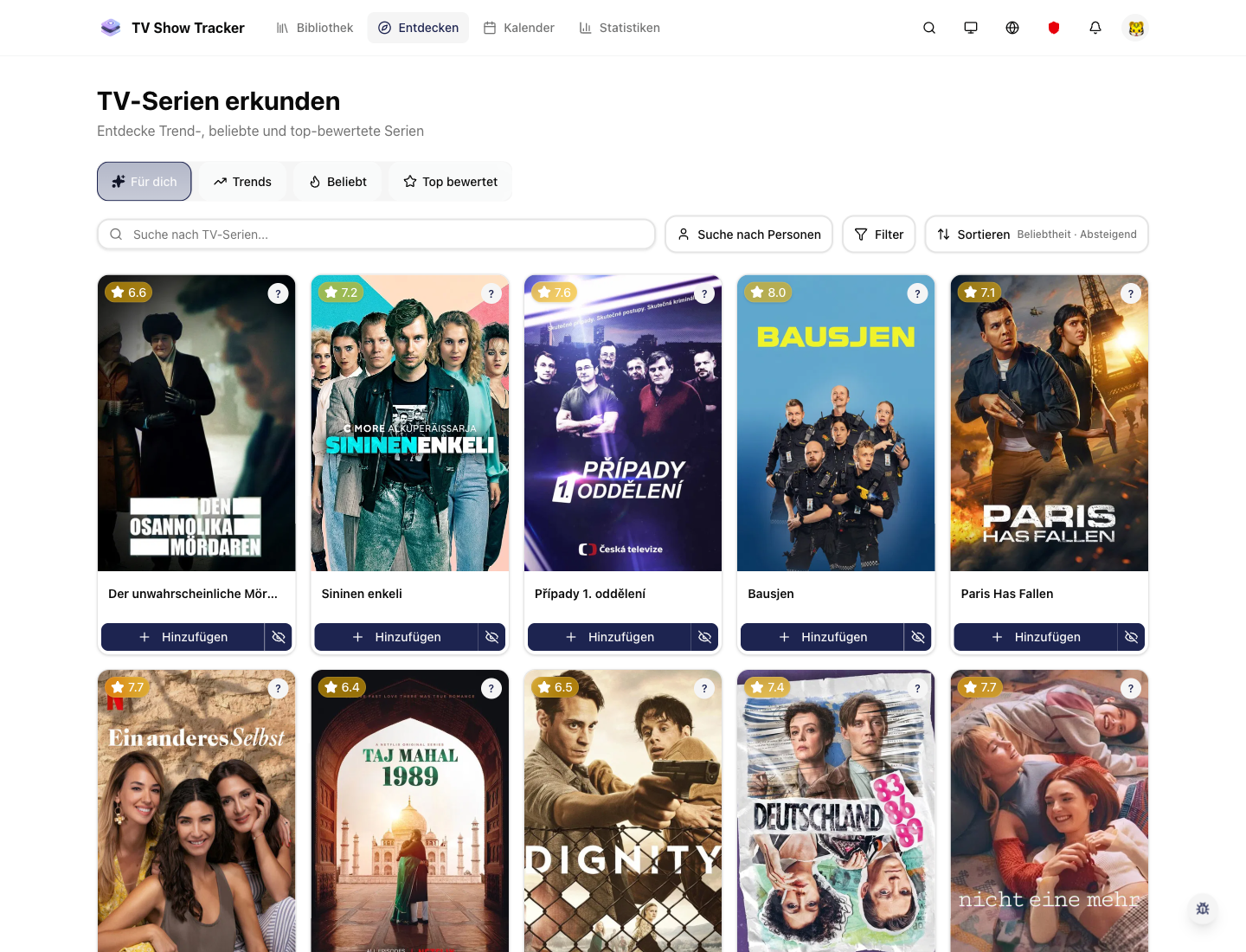
Explore grid for fast candidate hunting
Discovery surfaces are designed to help you narrow quickly instead of drowning in an endless generic catalog.
What makes it useful
Explore new series, narrow the field with filters, and compare candidates side by side.
Filter discovery around what matters
Genres, popularity, providers, and related context make browsing feel curated rather than random.
Compare candidates before you commit
Use the compare flow to inspect ratings, runtime, seasons, and other practical differences side by side.
Add directly into your real workflow
Once a show looks promising, it moves straight into your library instead of getting lost in another temporary browsing session.
Where it helps in real life
Concrete moments where this feature removes friction, speeds up decisions, or keeps your watching flow organized.
How it works in practice
The exact in-app flow from first action to the result you see afterwards.
Start broad with discovery filters
Use the explore grid to scan what fits your current taste, time, or curiosity.
Promote serious candidates into compare
Once a few shows stand out, compare gives them a decision-focused view.
Send the winner into your library
The path from curiosity to tracked show is short, which keeps momentum high.
See it in the app
Real screenshots from the live application so you can evaluate the actual experience before signing up.
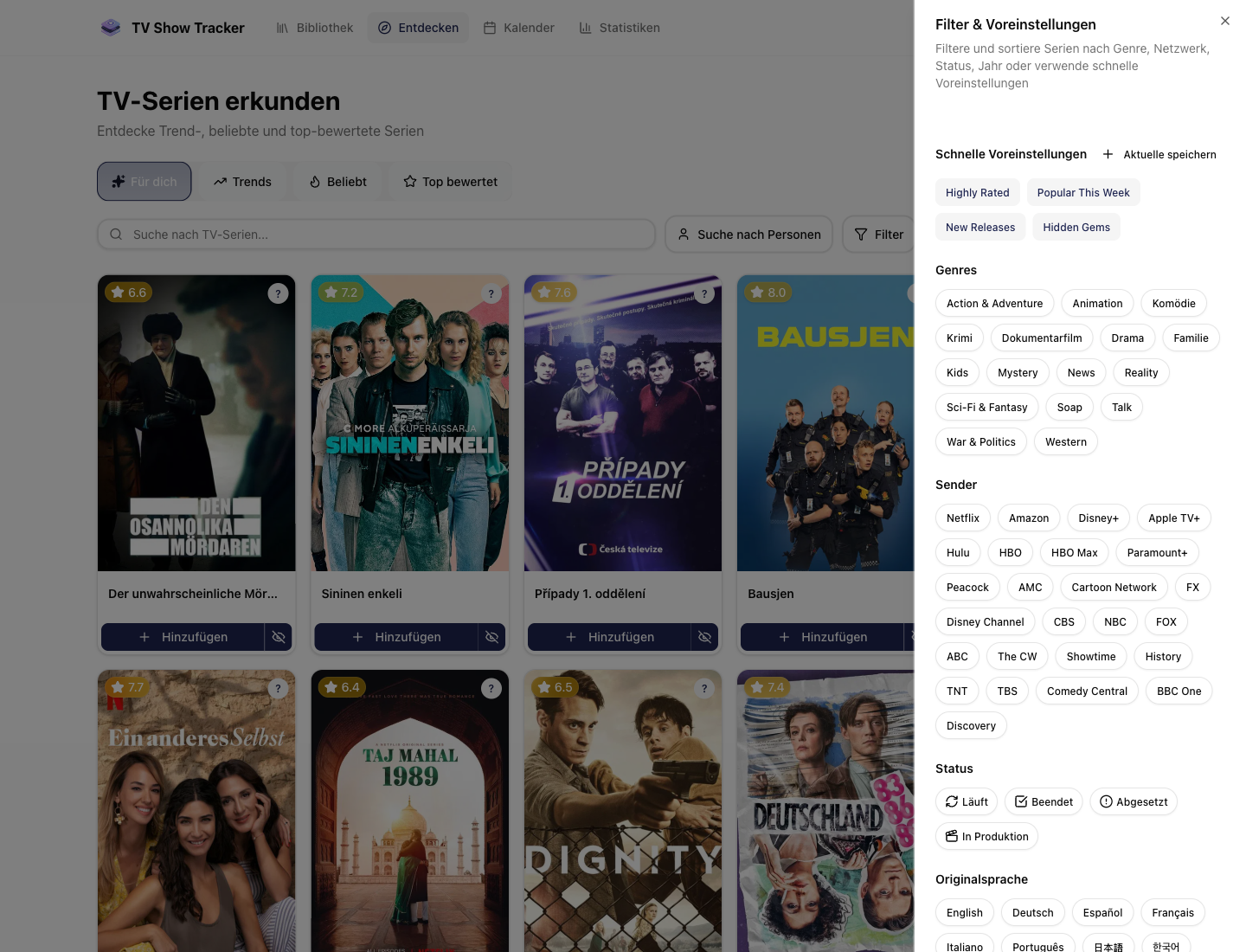
Explore filters with presets and genres
The live app exposes presets, genres, and provider filters right next to the results so discovery stays adjustable instead of feeling random.
Where to find it
Open the exact app areas where this feature becomes part of your daily routine.
Questions people usually ask
Short answers to the things that matter most before you adopt a new workflow.
Everything You Need
Powerful features to help you manage and enjoy your TV show watching experience
Find the next show with more confidence
Use discovery and comparison together so the step from browsing to watching gets much shorter.