
Personal TV Show Library
Your library is where watchlist, active series, finished runs, and rewatches stay organized without becoming a spreadsheet project.
TV Show Tracker treats the library as an operational view, not just a shelf. You can search, filter, sort, and return to exactly the shows that still need your attention.
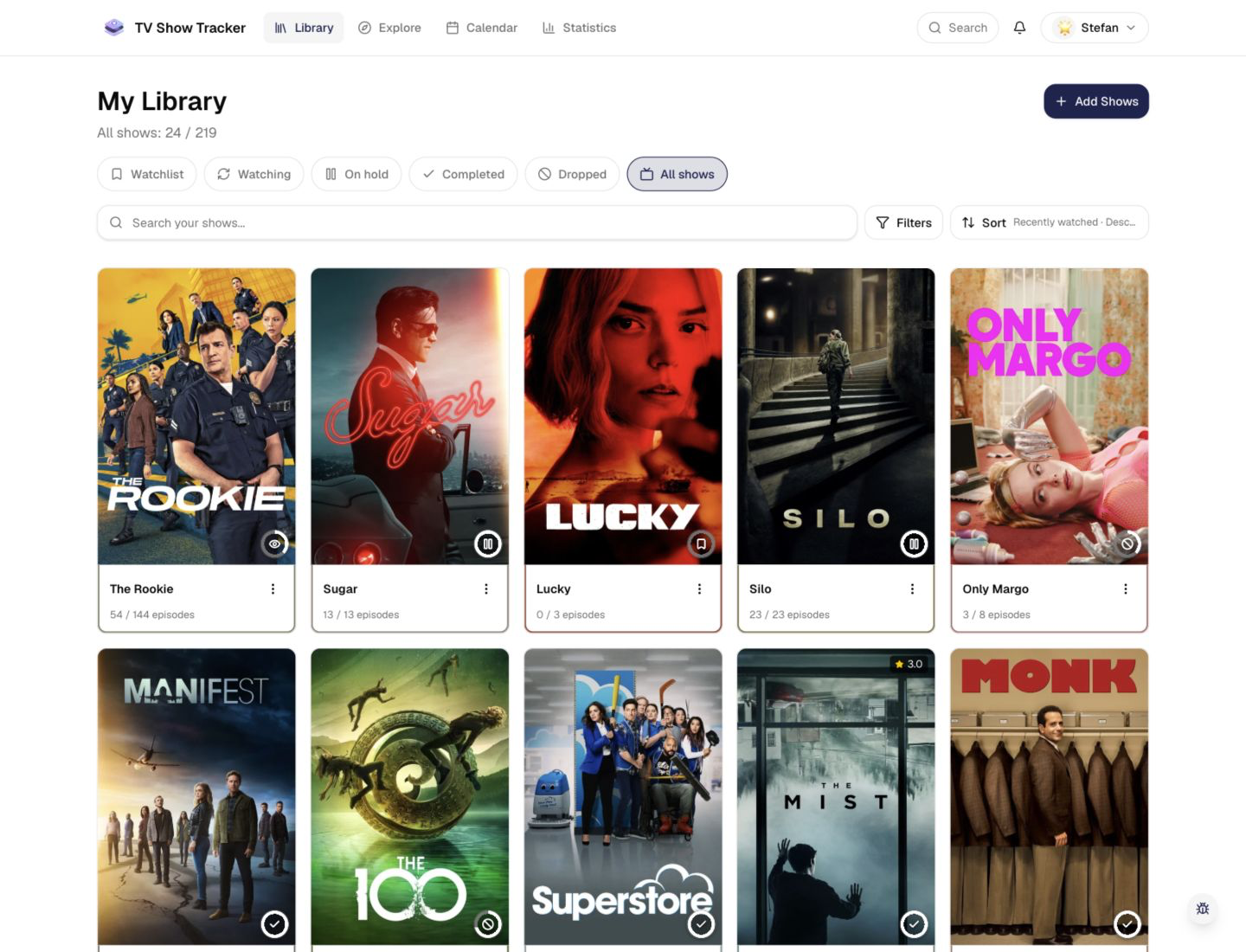
Library overview with progress-first cards
The main library view keeps statuses, progress bars, and quick actions visible without feeling dense.
What makes it useful
Save shows to your watchlist, mark them as active or finished, and find everything in one place.
Status-based organization that stays readable
Separate watchlist, active, paused, dropped, and completed shows so the page reflects what you are actually doing next.
Fast search and filtering for large libraries
Narrow the view by status, progress, favorites, or search terms without losing the sense of the full collection.
Progress that is visible at card level
Every show card surfaces watched episodes and completion percentage, so you can assess momentum immediately.
Where it helps in real life
Concrete moments where this feature removes friction, speeds up decisions, or keeps your watching flow organized.
How it works in practice
The exact in-app flow from first action to the result you see afterwards.
Add shows from Explore or shareable detail views
As soon as a show matters to you, add it once and let the library become the single source of truth.
Move shows between statuses as your intent changes
Watchlist, Watching, Paused, Dropped, and Completed make the list reflect your real commitment level.
Return through filters instead of scrolling forever
Use tabs, search, and sorting to cut the library down to only the next set of decisions you want to make.
See it in the app
Real screenshots from the live application so you can evaluate the actual experience before signing up.
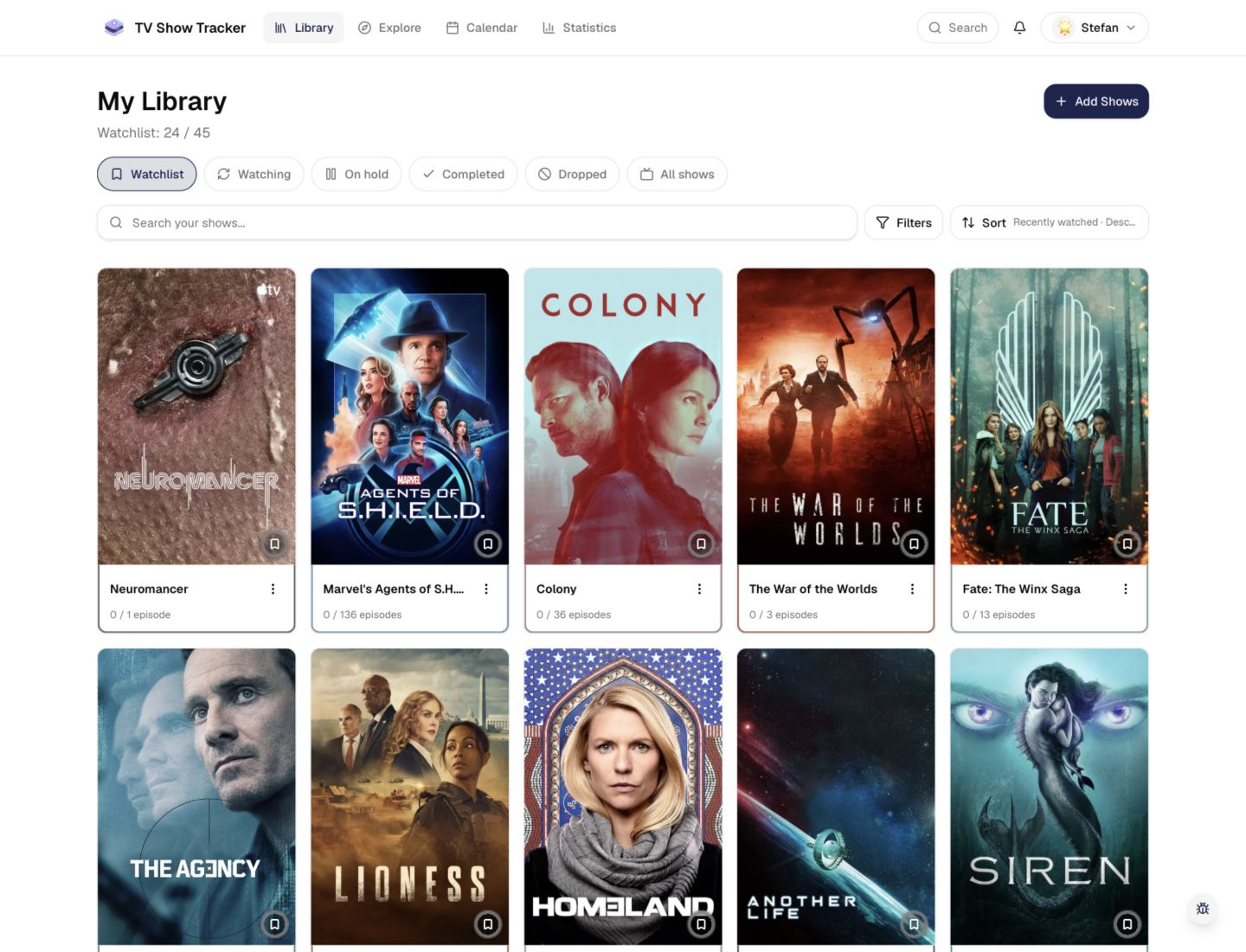
Filtered view for faster decision making
Switching tabs and filters turns a large backlog into a short, actionable list.
Where to find it
Open the exact app areas where this feature becomes part of your daily routine.
Questions people usually ask
Short answers to the things that matter most before you adopt a new workflow.
Everything for watchlists, episodes, and recommendations
Practical tools so you do not have to manage shows in notes, spreadsheets, or half-maintained watchlists.
Build a library you will actually use
Start with a few shows, then let statuses, filters, and progress tracking keep the rest under control.