
Custom TV Show Lists
Custom lists let you create themed collections that are more specific than statuses and more flexible than a single all-purpose watchlist.
That makes them useful for recommendations, seasonal viewing plans, franchise catch-up queues, or private organizational systems that do not belong in your main library status model.
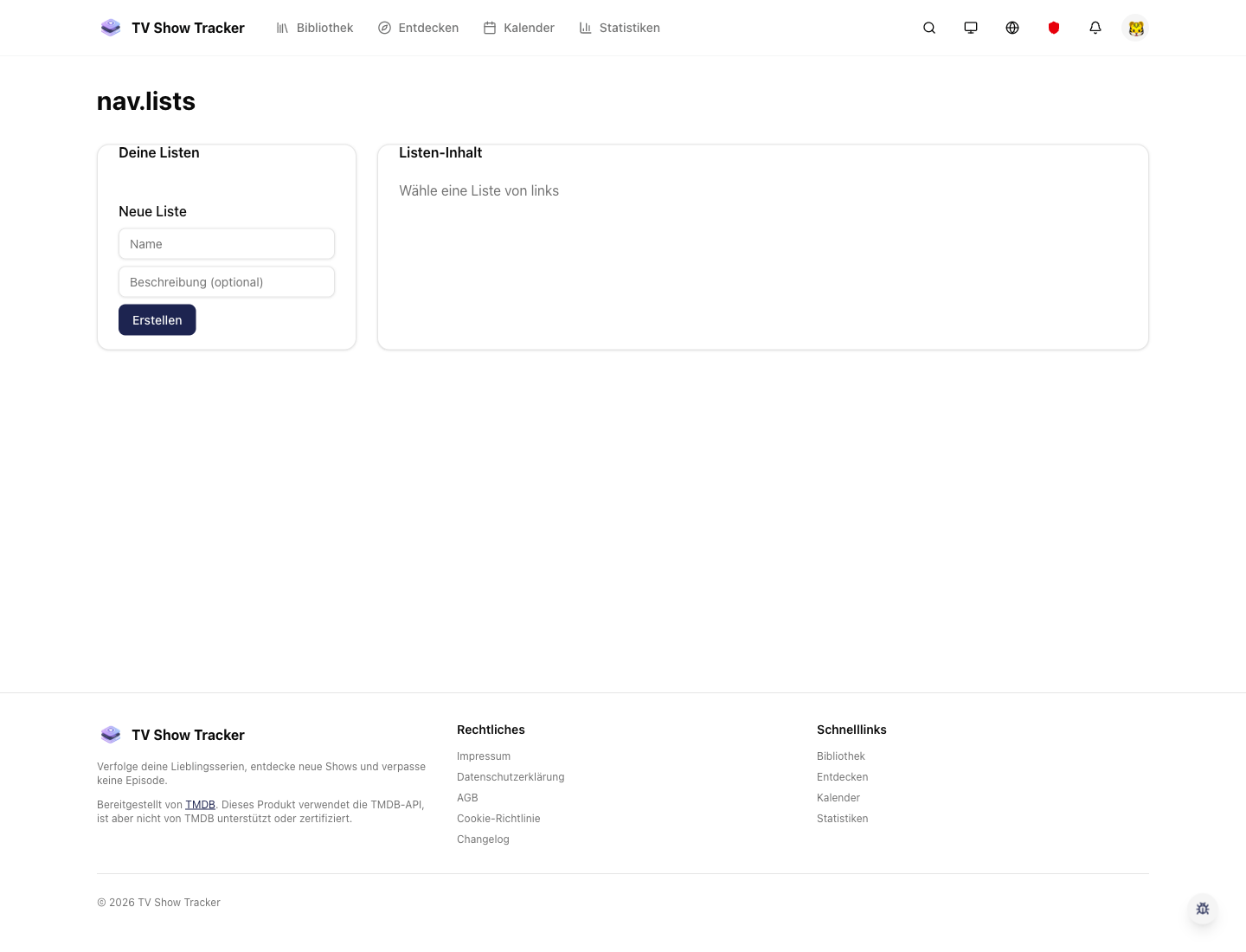
Lists overview for private and shared collections
The lists area gives custom collections their own dedicated home instead of burying them under general library controls.
What makes it useful
Build themed collections, private planning lists, or public recommendation lists in minutes.
Create collections for any viewing intent
Lists work for marathons, friend recommendations, themed months, hidden gems, or private planning.
Public or private depending on the audience
Some lists are for you alone, others are useful as shareable recommendation packages.
Complements the library instead of replacing it
Statuses answer what is happening to a show; lists answer why you grouped it in the first place.
Where it helps in real life
Concrete moments where this feature removes friction, speeds up decisions, or keeps your watching flow organized.
How it works in practice
The exact in-app flow from first action to the result you see afterwards.
Create a list around a clear purpose
The strongest lists have a narrow job: a marathon, a comfort pool, a starter pack, a shared recommendation set.
Add shows from the library or discovery flow
Lists should be fast to build from the places where you already encounter the show.
Keep updating as the plan changes
Because lists are lightweight, they stay useful for temporary curation instead of becoming abandoned folders.
See it in the app
Real screenshots from the live application so you can evaluate the actual experience before signing up.
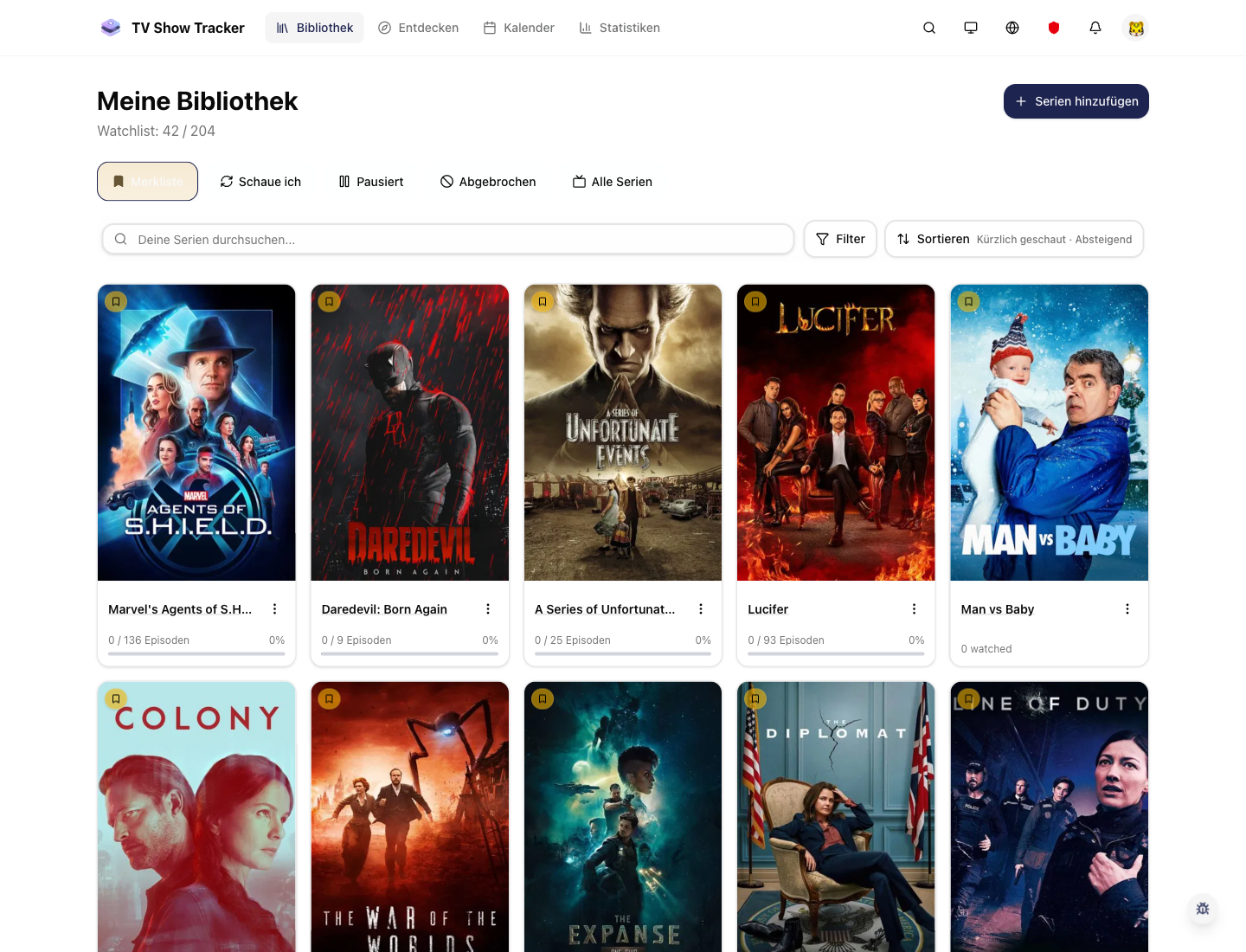
Lists complement status-based tracking
You can keep library statuses simple while using lists for more specific grouping logic.
Where to find it
Open the exact app areas where this feature becomes part of your daily routine.
Questions people usually ask
Short answers to the things that matter most before you adopt a new workflow.
Everything for watchlists, episodes, and recommendations
Practical tools so you do not have to manage shows in notes, spreadsheets, or half-maintained watchlists.
Organize shows around intent, not just status
Create lists for marathons, recommendations, seasonal themes, and private planning without cluttering the main library.