Favorite Shows and Rewatch Tracking
Favorites and rewatch tracking separate the shows you merely finished from the ones you come back to, recommend, and build traditions around.
That makes the product better at surfacing your personal canon, not just the latest completion list. It is especially helpful once your library gets large and older favorites start to disappear from memory.
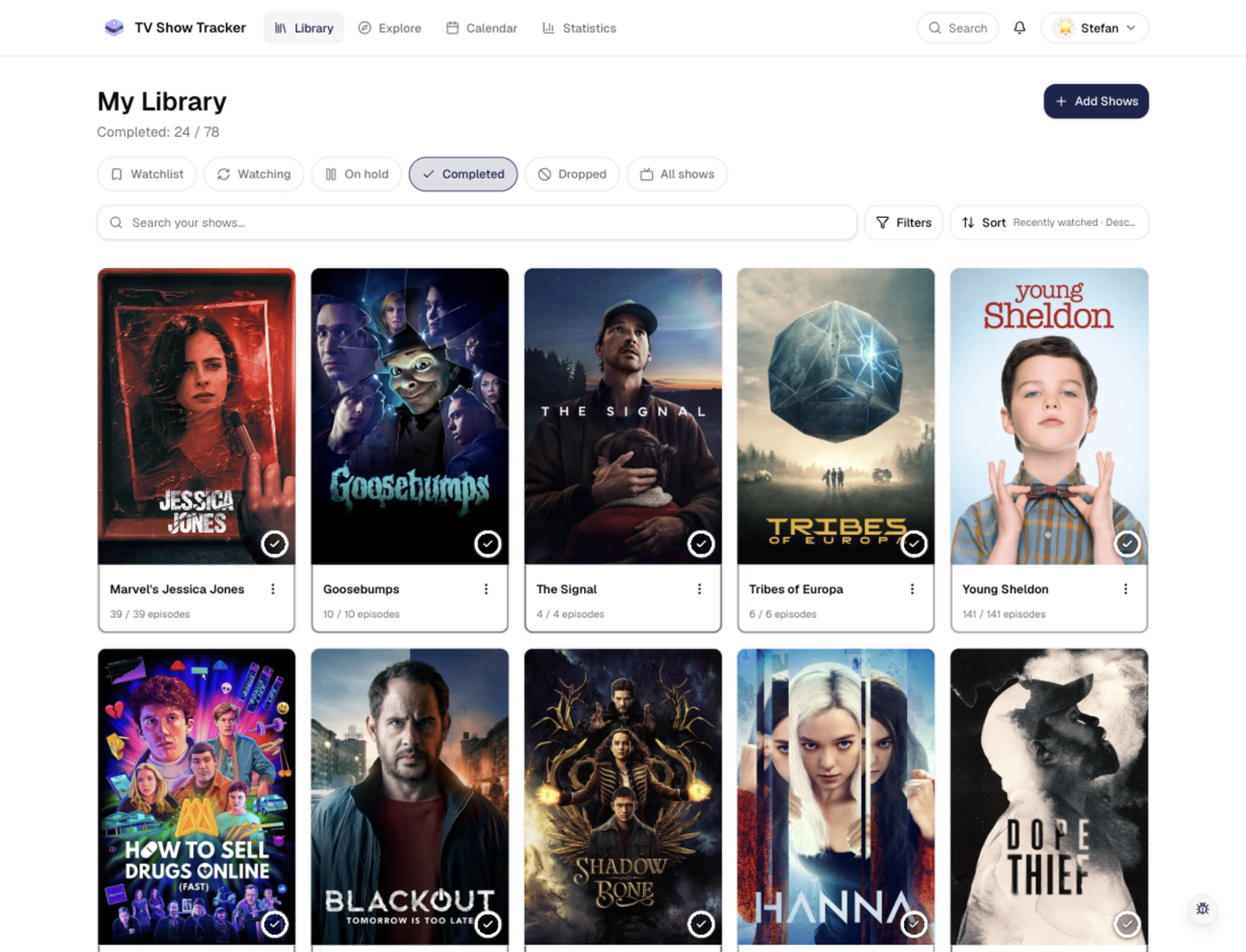
A library that can surface favorites quickly
Library filters and visual states make it practical to revisit your most important titles.
What makes it useful
Mark your forever shows, follow rewatches, and surface the series you come back to most.
Mark all-time favorites without creating a separate list system
A favorite flag gives your core shows a permanent place in the app.
Track rewatches as repeat behavior, not noise
A second or third run is recorded as part of the story rather than flattened into the original watch history.
See attachment, not just activity
Rewatch counts and favorite signals reveal which series matter most beyond raw episode totals.
Where it helps in real life
Concrete moments where this feature removes friction, speeds up decisions, or keeps your watching flow organized.
How it works in practice
The exact in-app flow from first action to the result you see afterwards.
Flag the shows you want to preserve
A favorite marker keeps important titles visible even when they are long completed.
Record rewatches instead of overwriting history
The app can treat repeat viewing as a meaningful event rather than a reset.
Use stats and sorting to surface them again
Once enough history exists, your most-loved titles stop getting lost in the larger library.
See it in the app
Real screenshots from the live application so you can evaluate the actual experience before signing up.
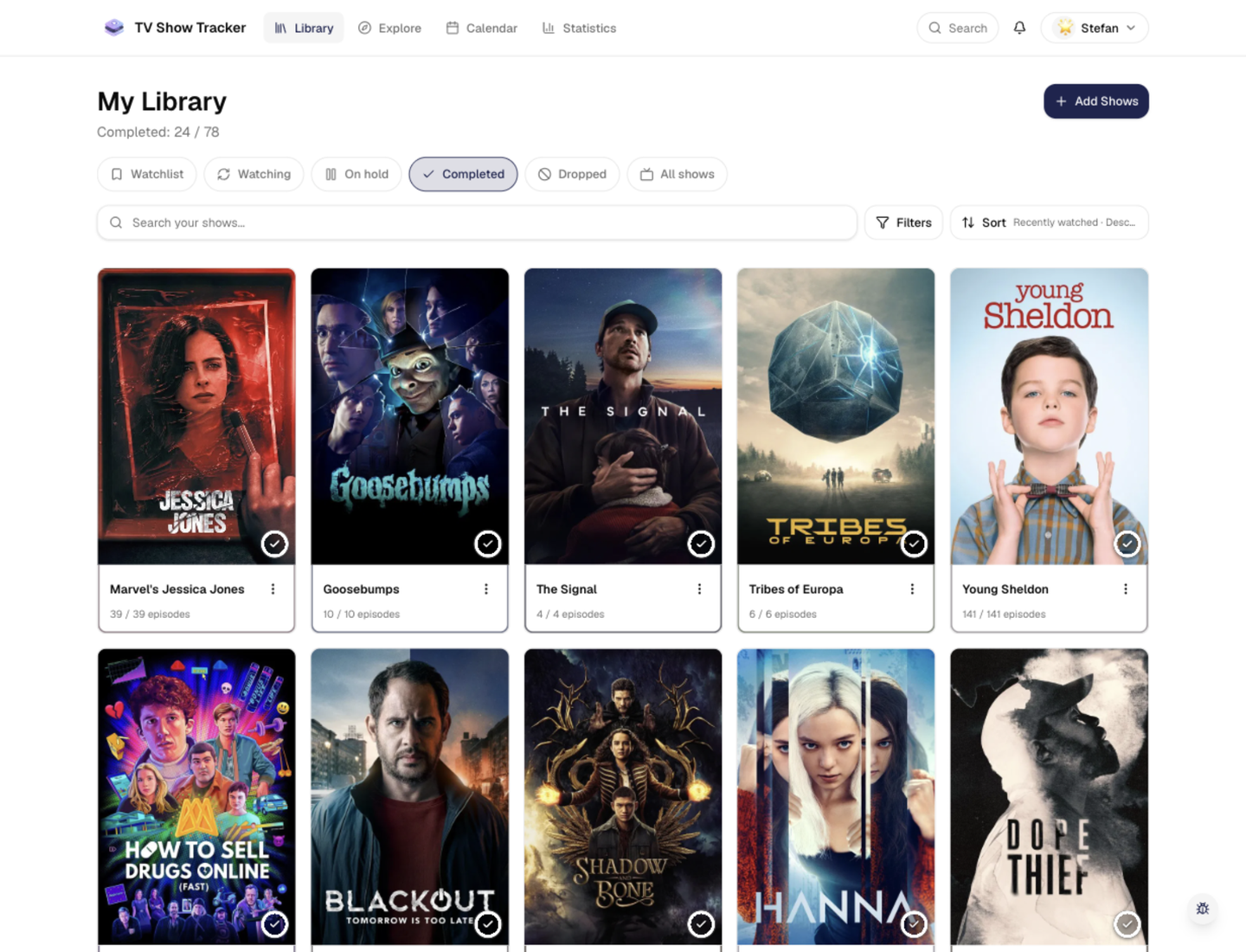
Rewatch behavior becomes visible over time
Achievements and milestone surfaces reinforce repeat-viewing patterns instead of hiding them.
Where to find it
Open the exact app areas where this feature becomes part of your daily routine.
Questions people usually ask
Short answers to the things that matter most before you adopt a new workflow.
Everything for watchlists, episodes, and recommendations
Practical tools so you do not have to manage shows in notes, spreadsheets, or half-maintained watchlists.
Keep your all-time favorites easy to reach
Mark the shows you love and let rewatches become part of the story instead of disappearing into old history.