
TV Watching Statistics and Achievements
Statistics transform raw watch history into something interpretable: what you watch most, how often you return, and which patterns define your taste.
Instead of only counting completed shows, the product breaks your activity into surfaces that explain volume, habits, genres, actors, rewatches, and achievement progress.
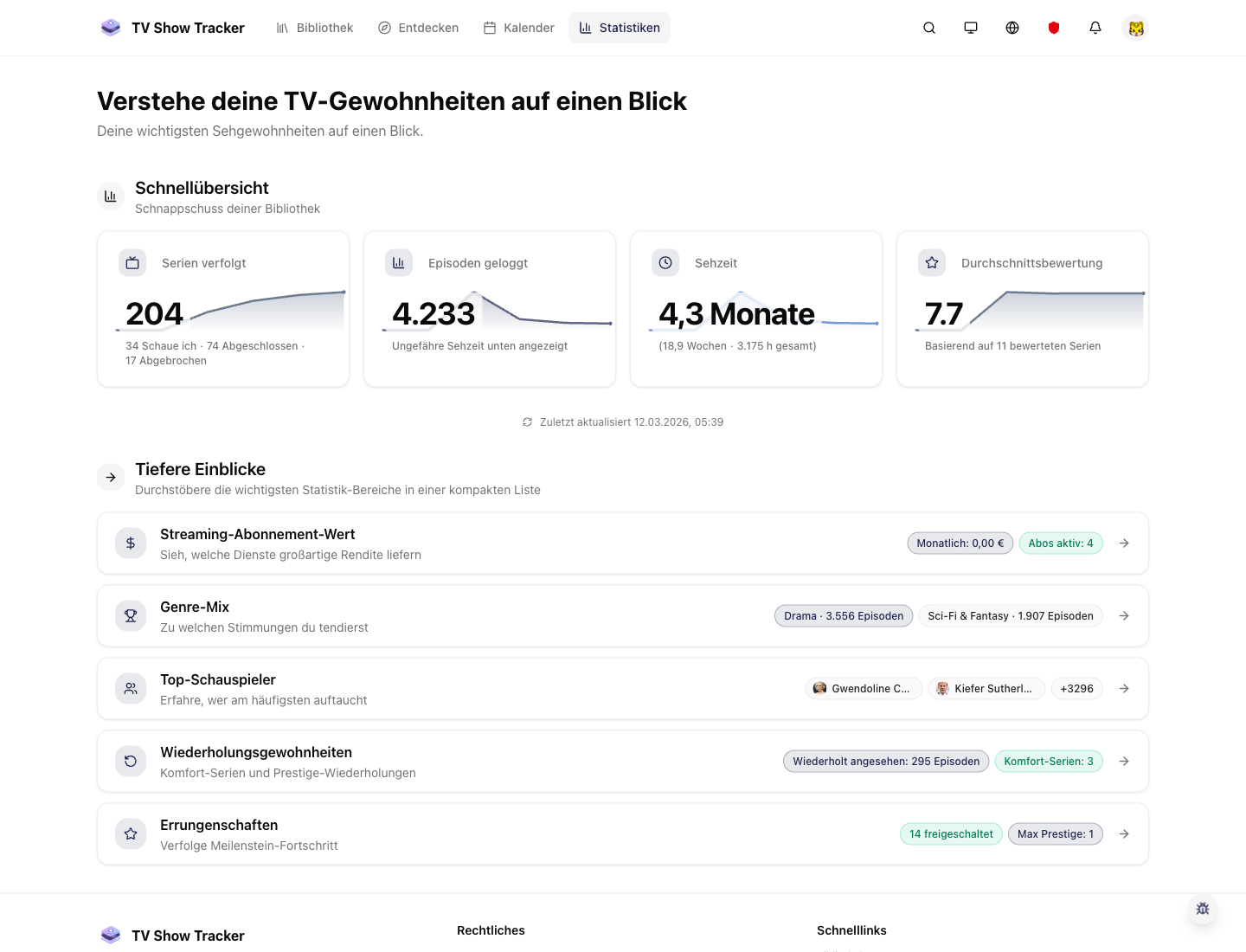
Statistics overview for habits and trends
The main statistics area gives you a broad read on what your account has actually been doing.
What makes it useful
See how many episodes you watched, which shows are open, and where you last stopped.
A broad view of your actual watching behavior
See activity, genres, actors, rewatches, and milestones instead of a single vanity counter.
Achievement systems add momentum
Milestones and unlocked badges turn passive tracking into something that rewards consistency.
Useful both for curiosity and decision support
Stats are not just fun to look at; they help you understand what to continue, repeat, or branch away from.
Where it helps in real life
Concrete moments where this feature removes friction, speeds up decisions, or keeps your watching flow organized.
How it works in practice
The exact in-app flow from first action to the result you see afterwards.
Track normally through the library, calendar, and episode actions
Statistics become richer automatically as you use the product.
Open focused surfaces for the question you care about
Genre, actor, activity, achievements, streaming value, and rewatching each answer a different question.
Use the patterns to steer what happens next
The value appears when the data changes your next pick, not just when it looks pretty.
See it in the app
Real screenshots from the live application so you can evaluate the actual experience before signing up.
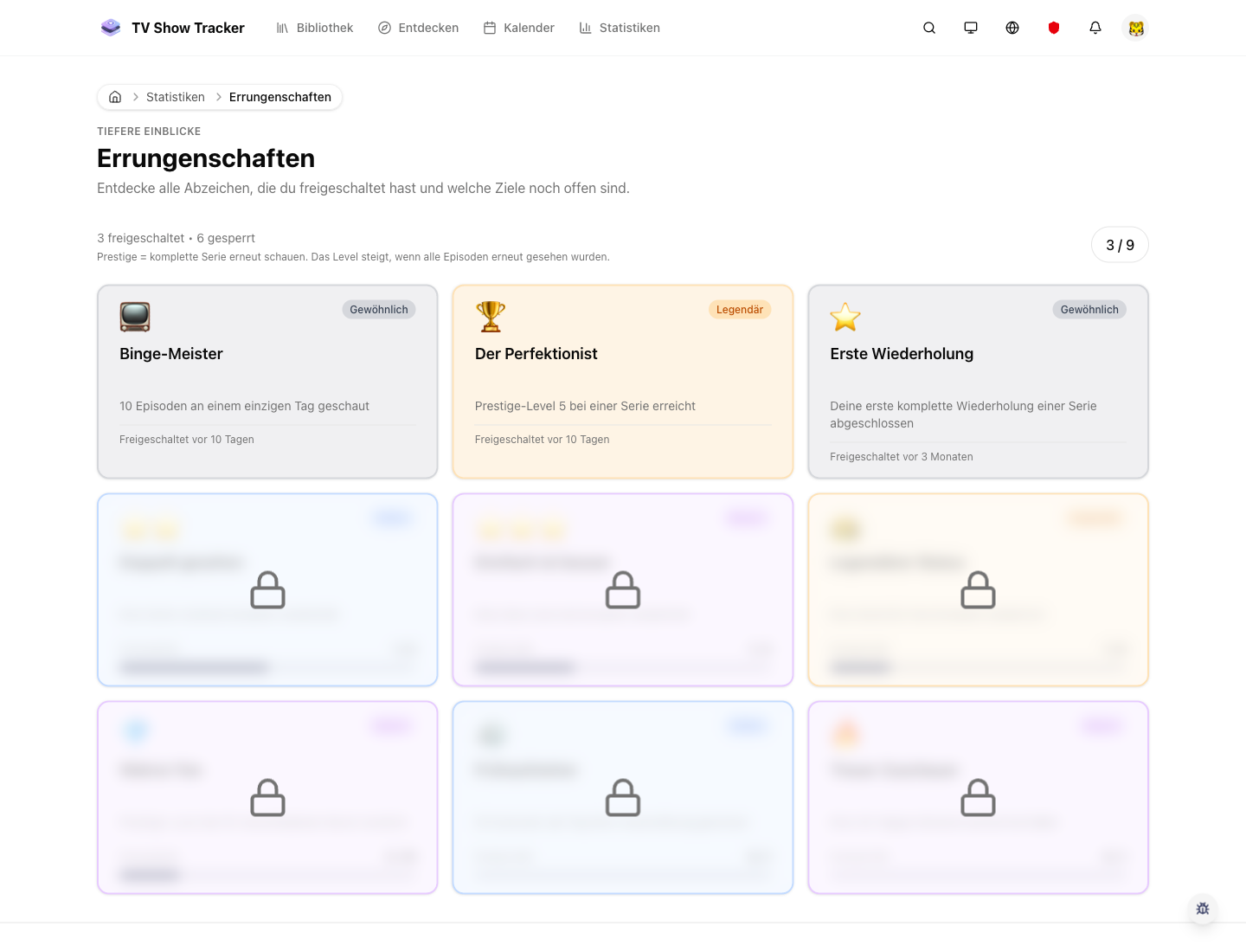
Achievements make progress tangible
Milestones add a game-like layer that encourages consistency without turning tracking into busywork.
Where to find it
Open the exact app areas where this feature becomes part of your daily routine.
Questions people usually ask
Short answers to the things that matter most before you adopt a new workflow.
Everything for watchlists, episodes, and recommendations
Practical tools so you do not have to manage shows in notes, spreadsheets, or half-maintained watchlists.
Turn watch history into useful insight
Start tracking normally and let the statistics surfaces expose the patterns that are already there.