
Streaming Subscription Insights
Streaming insights connect your tracked shows to provider availability and subscription value, so you can see whether the services you pay for still match what you watch.
That makes the app useful not only for tracking story progress, but also for evaluating whether your current streaming stack is doing enough work for you.
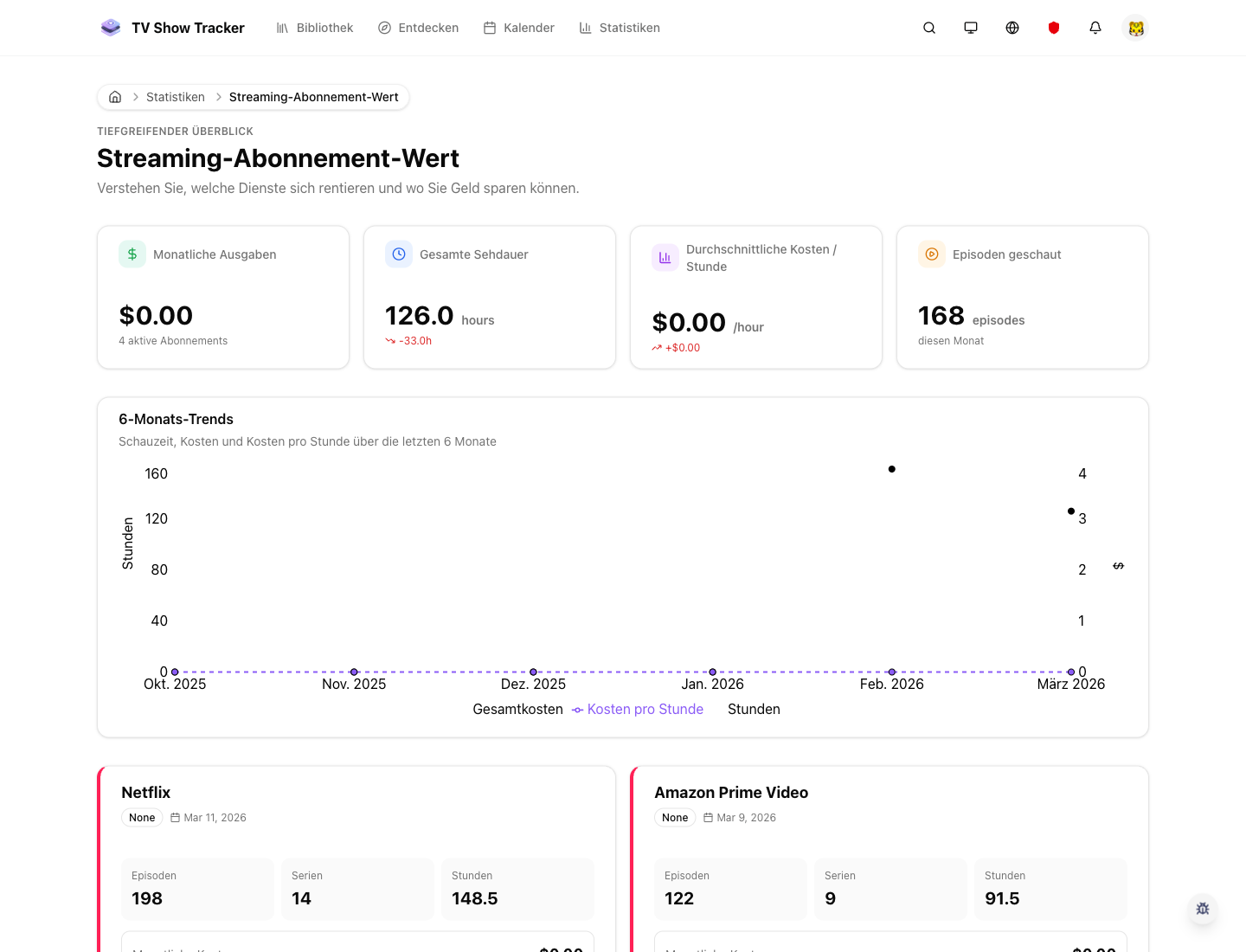
Streaming value view with provider context
The dedicated statistics surface makes subscription tradeoffs visible instead of leaving them as gut feeling.
What makes it useful
See subscription value, provider coverage, and where your tracked shows are available.
Provider coverage for the shows you actually track
Availability is anchored to your personal watch universe rather than generic regional charts.
Subscription value framed as a real usage question
The product helps you judge whether a service earns its place based on what it unlocks for your library.
Regional settings shape the result
Your country and provider context matter, so the insight stays grounded in where you watch.
Where it helps in real life
Concrete moments where this feature removes friction, speeds up decisions, or keeps your watching flow organized.
How it works in practice
The exact in-app flow from first action to the result you see afterwards.
Set the right region once
Regional preferences are the foundation for realistic provider visibility.
Track shows as normal in your library
Provider analysis becomes stronger as your library reflects what you truly care about.
Read the value surface as a decision aid
The best use case is not passive data; it is better subscription and watch-start choices.
See it in the app
Real screenshots from the live application so you can evaluate the actual experience before signing up.
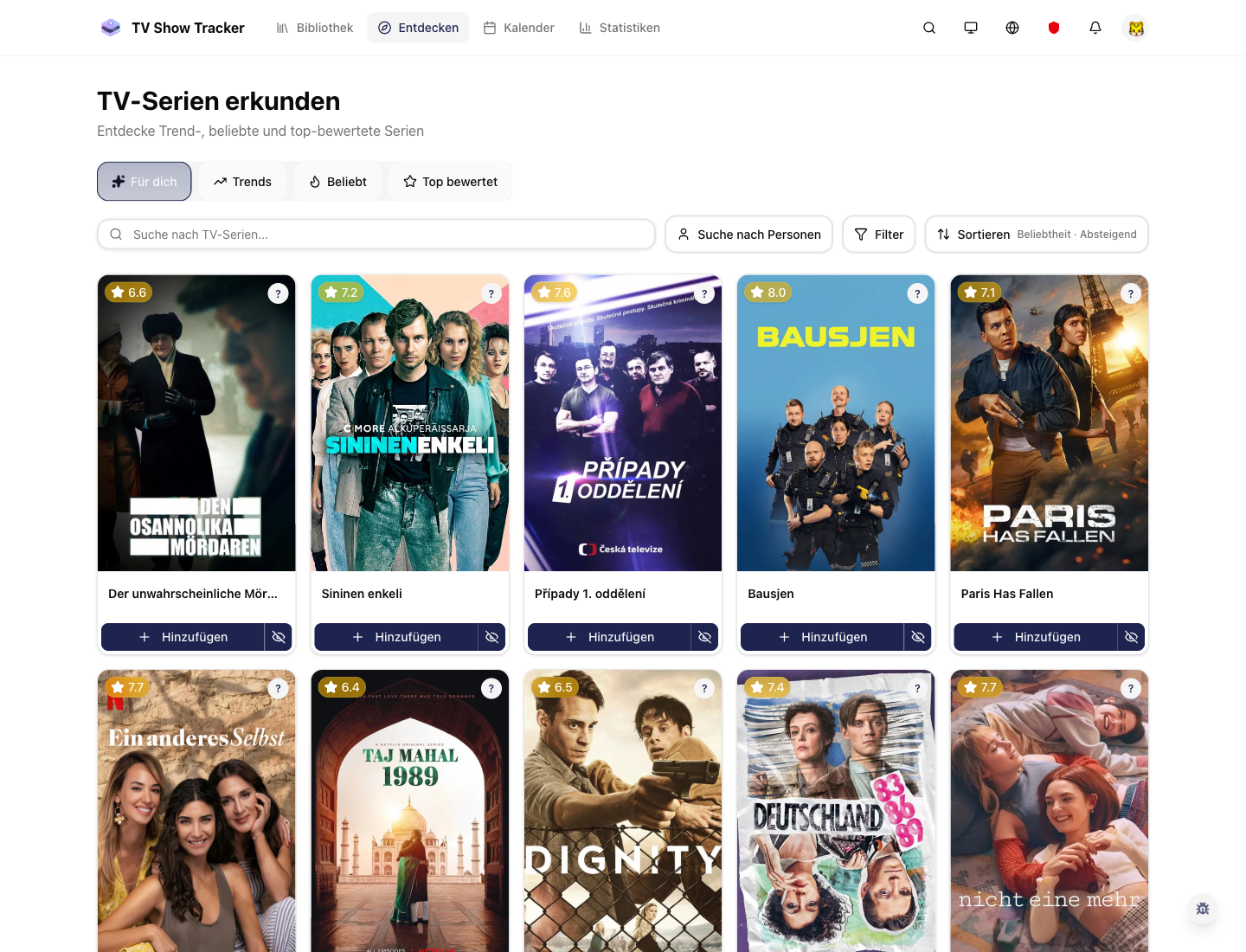
Explore and provider-aware discovery work together
Availability is more useful when it sits next to discovery rather than in isolation.
Where to find it
Open the exact app areas where this feature becomes part of your daily routine.
Questions people usually ask
Short answers to the things that matter most before you adopt a new workflow.
Everything for watchlists, episodes, and recommendations
Practical tools so you do not have to manage shows in notes, spreadsheets, or half-maintained watchlists.
See whether your subscriptions still make sense
Pair tracking with provider insight and make smarter decisions about where you watch and what you pay for.