TV Watch History Export and Privacy Tools
Data Control makes ownership practical by giving you export, import, and privacy tools inside the product instead of hiding them behind support requests.
That means the app is not only pleasant while you stay, but also respectful when you need portability, backups, or formal privacy actions.
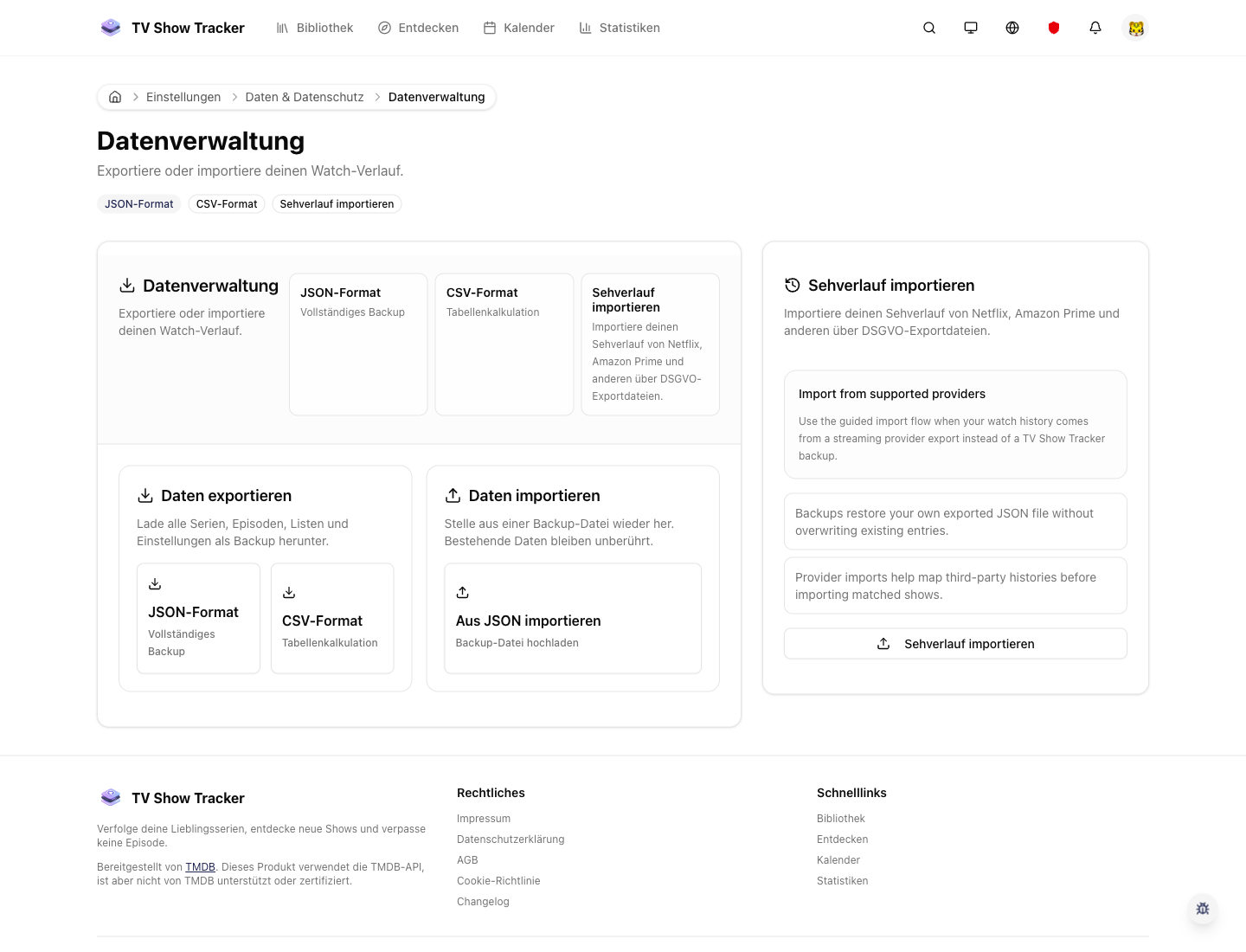
Transfer tools for export and import
The data transfer surface keeps backups and portability practical instead of burying them in documentation.
What makes it useful
Export, import, and manage privacy requests without giving up ownership of your history.
Import and export are built into the settings flow
You can move data out, keep backups, or bring information back in without asking support to help.
Privacy actions are visible and explicit
The product acknowledges that access, portability, and deletion matter as product features, not just legal obligations.
Portable formats support trust
The more transparent data handling is, the easier it becomes to trust long-term tracking.
Where it helps in real life
Concrete moments where this feature removes friction, speeds up decisions, or keeps your watching flow organized.
How it works in practice
The exact in-app flow from first action to the result you see afterwards.
Open data settings when you need control, not only when something goes wrong
The tools are visible enough to be part of normal ownership hygiene.
Use transfer tools for portability and backup
Import and export flows are designed to move real data, not just prove the feature exists.
Use privacy tools when formal data actions are needed
The app keeps these capabilities accessible as a first-class part of trust and compliance.
See it in the app
Real screenshots from the live application so you can evaluate the actual experience before signing up.
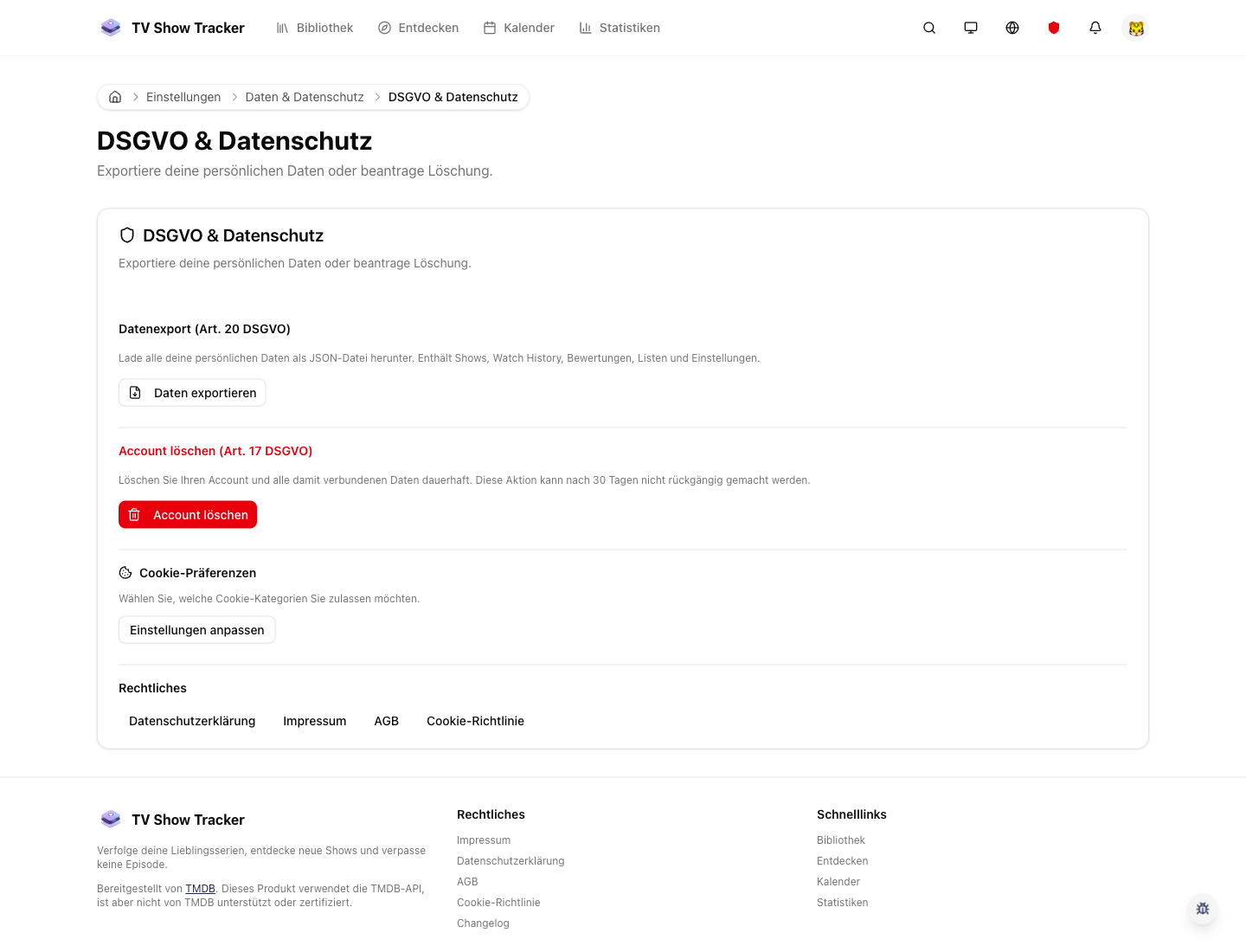
Privacy controls inside settings
Privacy actions are exposed in the UI so ownership does not depend on a support conversation.
Where to find it
Open the exact app areas where this feature becomes part of your daily routine.
Questions people usually ask
Short answers to the things that matter most before you adopt a new workflow.
Everything for watchlists, episodes, and recommendations
Practical tools so you do not have to manage shows in notes, spreadsheets, or half-maintained watchlists.
Keep control over your tracking history
Use transfer and privacy tools directly in the app whenever you need backup, portability, or formal account actions.