
Multi-Language TV Show Tracker
Multi-language support lets the app feel native to you by separating interface language from regional content and metadata preferences.
That matters when the best UI language for you is not identical to the best region for titles, provider data, or release context.
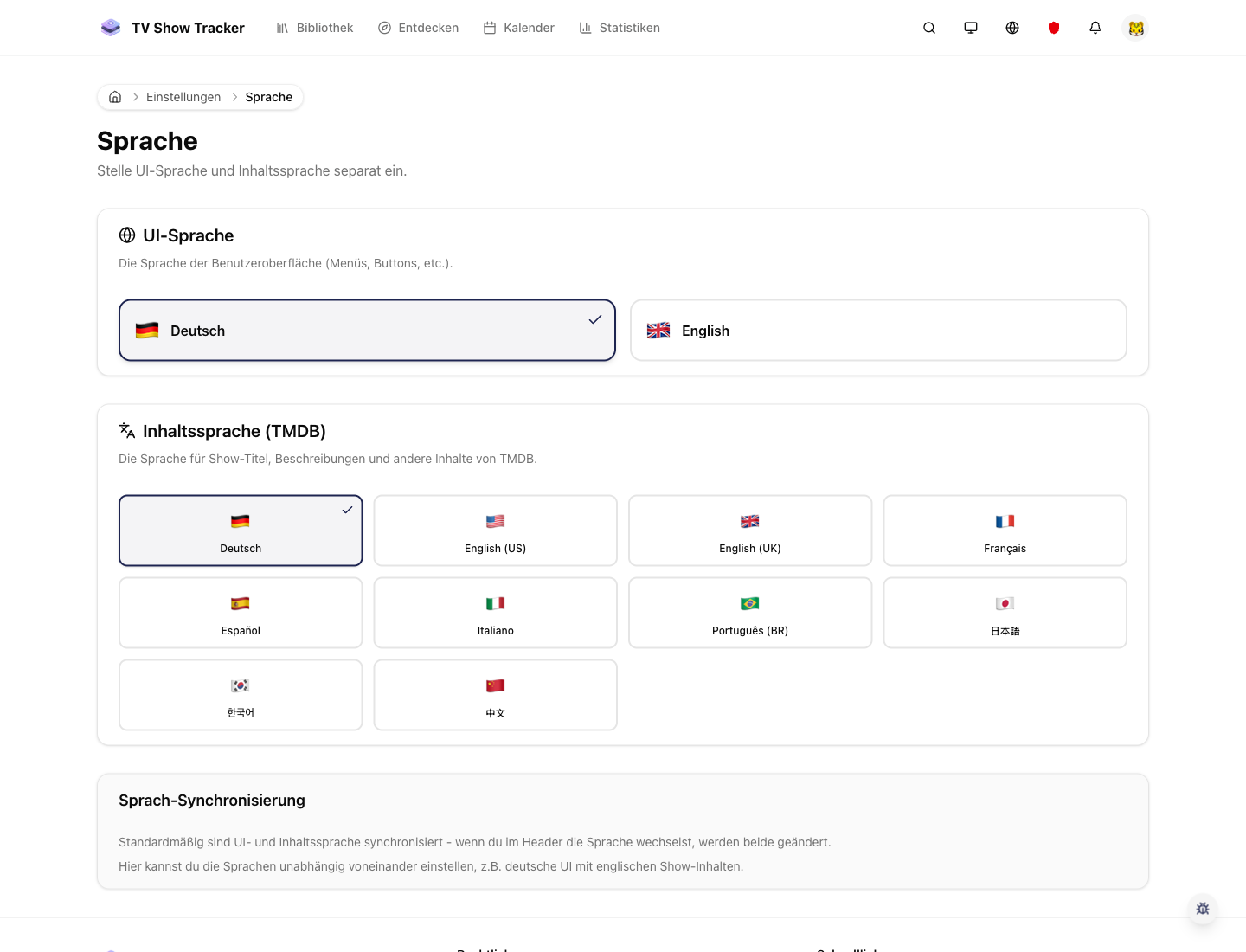
Language settings with explicit control
The language surface makes localization a transparent choice rather than a hidden fallback.
What makes it useful
Use the app in your language and pair UI language with regional metadata preferences.
UI language and regional preferences can work together
You are not locked into a one-size-fits-all localization assumption.
Useful for multilingual households and cross-region users
Language support is practical, not decorative, especially when you consume content from multiple markets.
The rest of the product benefits from better context
Metadata, availability, and naming become more relevant when language settings fit your real usage.
Where it helps in real life
Concrete moments where this feature removes friction, speeds up decisions, or keeps your watching flow organized.
How it works in practice
The exact in-app flow from first action to the result you see afterwards.
Choose your UI language in settings
Language is exposed explicitly rather than guessed once and forgotten.
Pair it with the right region settings
Regional metadata and provider context stay configurable so the product remains realistic.
Continue using the app normally across all major surfaces
Localization should improve the daily flow without changing how the product fundamentally works.
See it in the app
Real screenshots from the live application so you can evaluate the actual experience before signing up.
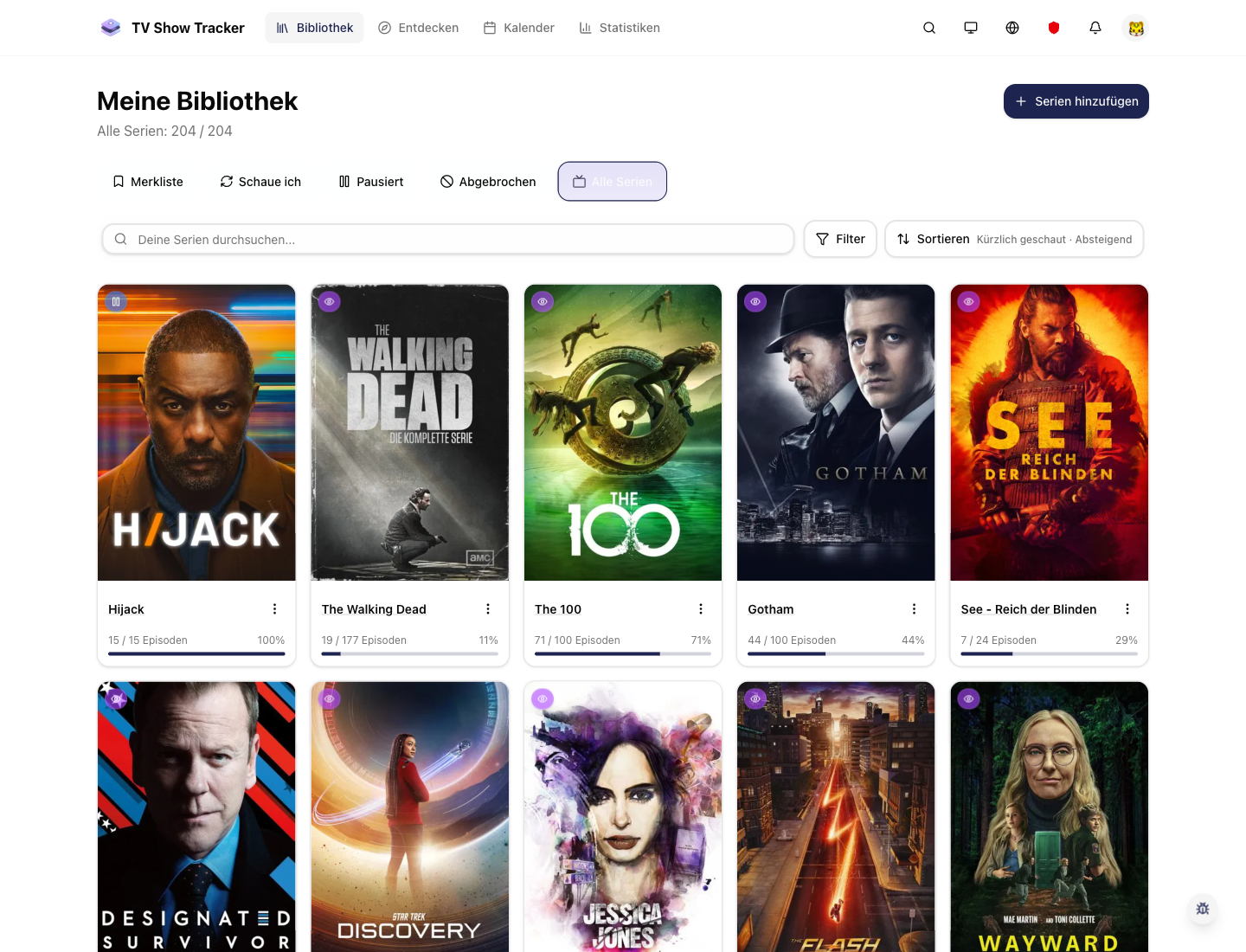
Localized UI still keeps the product familiar
Core surfaces like the library remain recognizable while adapting to your preferred language.
Where to find it
Open the exact app areas where this feature becomes part of your daily routine.
Questions people usually ask
Short answers to the things that matter most before you adopt a new workflow.
Everything for watchlists, episodes, and recommendations
Practical tools so you do not have to manage shows in notes, spreadsheets, or half-maintained watchlists.
Use the app in the language that feels natural
Set interface language and region deliberately so titles, providers, and navigation feel aligned with your real setup.