
TV Show Spoiler Protection
Spoiler protection lets you browse, search, and manage your shows without accidentally revealing future episode information before you are ready.
It is not just about hiding descriptions. The feature is built around the practical places spoilers appear first: titles, stills, summaries, and overview surfaces.
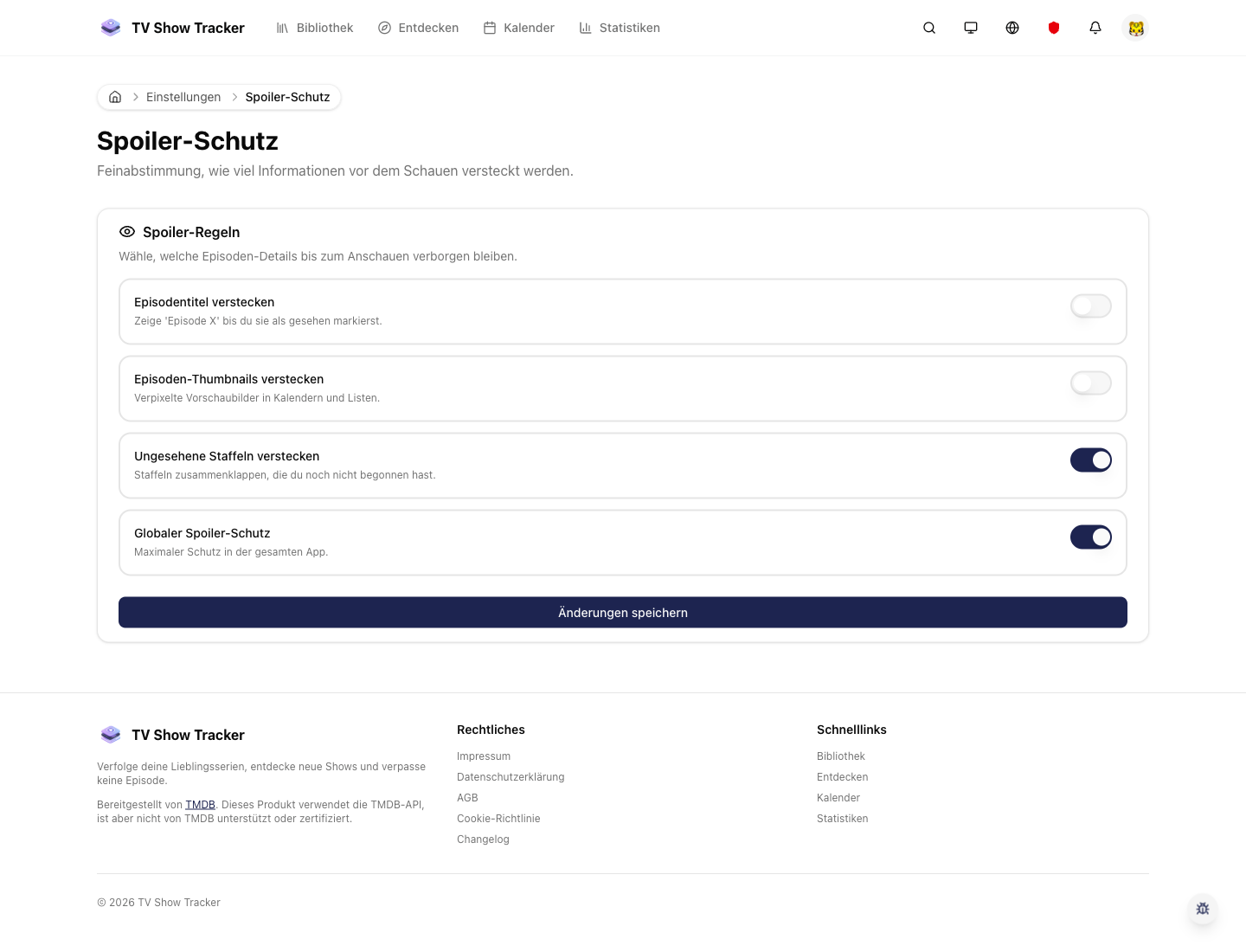
Spoiler preferences in settings
Spoiler protection is configurable so the app can match how cautious or relaxed you want the experience to be.
What makes it useful
Hide titles, images, and descriptions until you are ready so browsing the app stays safe.
Hide risky metadata before it reaches your eyes
Episode titles, images, and descriptions can be suppressed where they would otherwise spoil the experience.
Apply protection where it matters, not just globally
Settings can shape how aggressive spoiler handling should be for your own workflow.
Keep the app useful while staying safe
The goal is still navigation and tracking, just without forcing you to trade safety for convenience.
Where it helps in real life
Concrete moments where this feature removes friction, speeds up decisions, or keeps your watching flow organized.
How it works in practice
The exact in-app flow from first action to the result you see afterwards.
Turn spoiler settings on where needed
The settings area lets you define how defensive the interface should be.
Browse detail pages and lists with guarded metadata
Risky fields are suppressed before they become the first thing you see.
Reveal information only when you choose to
You keep control over when context becomes visible instead of the interface deciding for you.
See it in the app
Real screenshots from the live application so you can evaluate the actual experience before signing up.
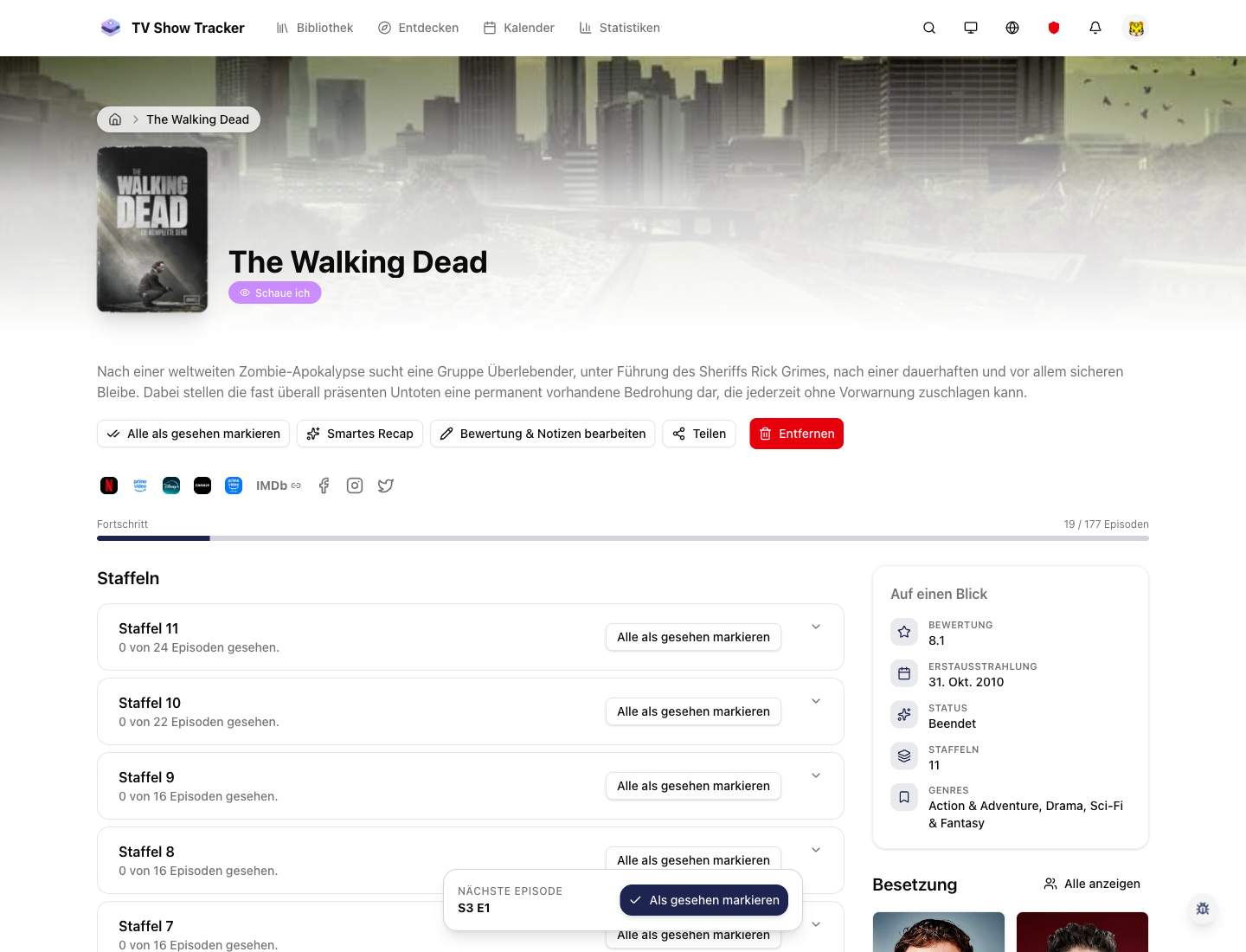
Safe navigation around show details
Even detail surfaces stay usable when the goal is to manage tracking without revealing too much too early.
Where to find it
Open the exact app areas where this feature becomes part of your daily routine.
Questions people usually ask
Short answers to the things that matter most before you adopt a new workflow.
Everything for watchlists, episodes, and recommendations
Practical tools so you do not have to manage shows in notes, spreadsheets, or half-maintained watchlists.
Browse safely without giving up context
Turn on spoiler protection and keep tracking, searching, and planning even when you are not fully caught up.