
Browser Extension TV Tracking
Browser extensions close the gap between browser-based watching and accurate tracking by detecting episodes where you already spend time.
They are useful when your viewing context starts in Chrome, Firefox, or Safari and you want watched state to follow without a separate manual pass back through the app.
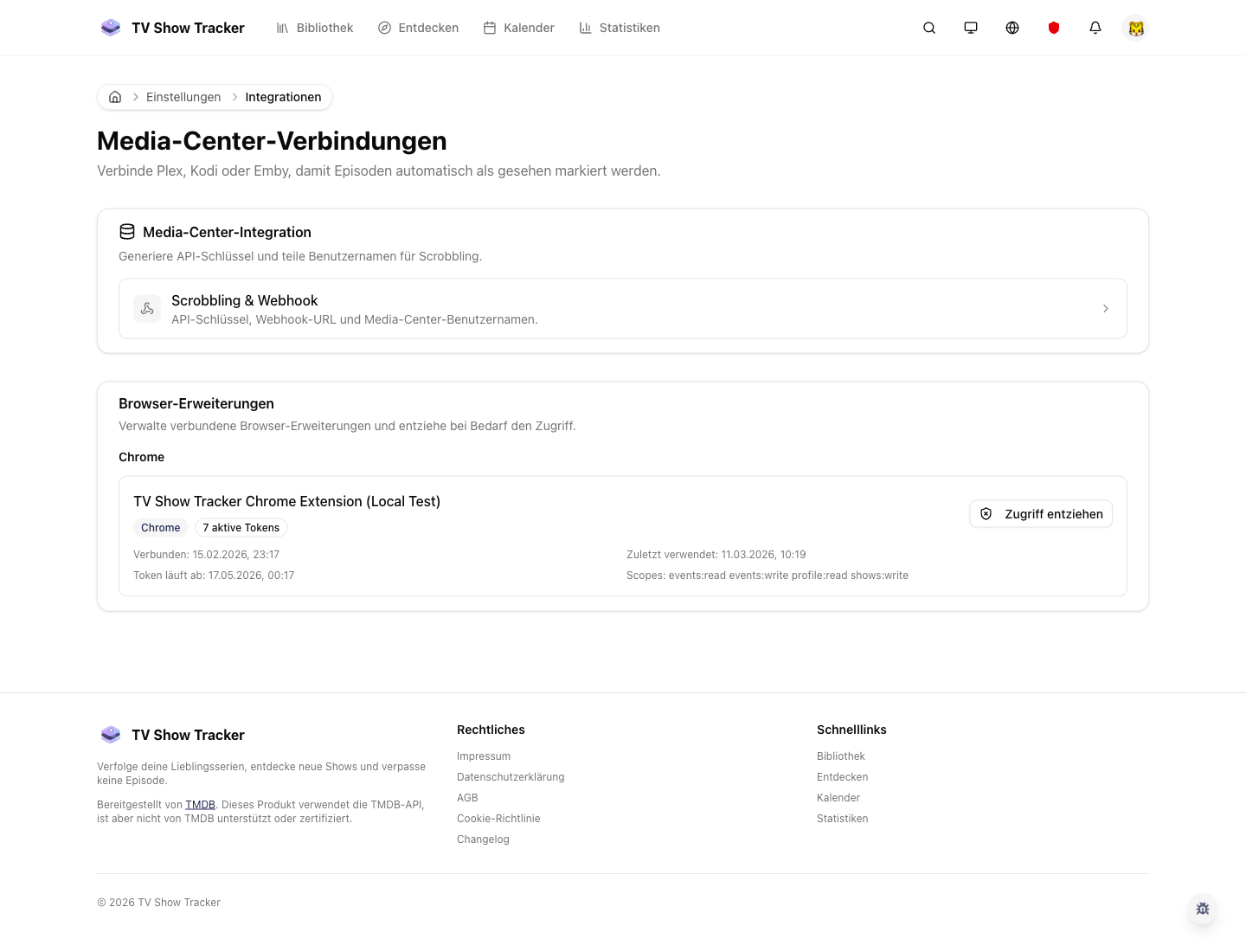
Integrations view for browser extension setup
Browser extensions are configured as part of the broader connection model, which keeps setup approachable and centralized.
What makes it useful
Detect episode activity in supported browsers and sync watched progress with matching titles and logos.
Episode detection directly in the browser flow
The extension notices what you are watching where a manual update would otherwise interrupt the moment.
Matches back to real show and episode metadata
Detected activity is enriched so the synced result still feels like part of the main product, not an external hack.
Works naturally alongside the main integrations layer
The browser extension is one more input channel into the same tracking system rather than a disconnected side product.
Where it helps in real life
Concrete moments where this feature removes friction, speeds up decisions, or keeps your watching flow organized.
How it works in practice
The exact in-app flow from first action to the result you see afterwards.
Connect a browser extension through integrations
Setup stays account-aware because it is anchored in the existing integrations flow.
Let the extension recognize episode activity
Detection happens close to the browsing context where the event actually occurs.
Review the synced result inside the app
Once activity lands, it behaves like the rest of your tracked progress rather than a detached log.
See it in the app
Real screenshots from the live application so you can evaluate the actual experience before signing up.
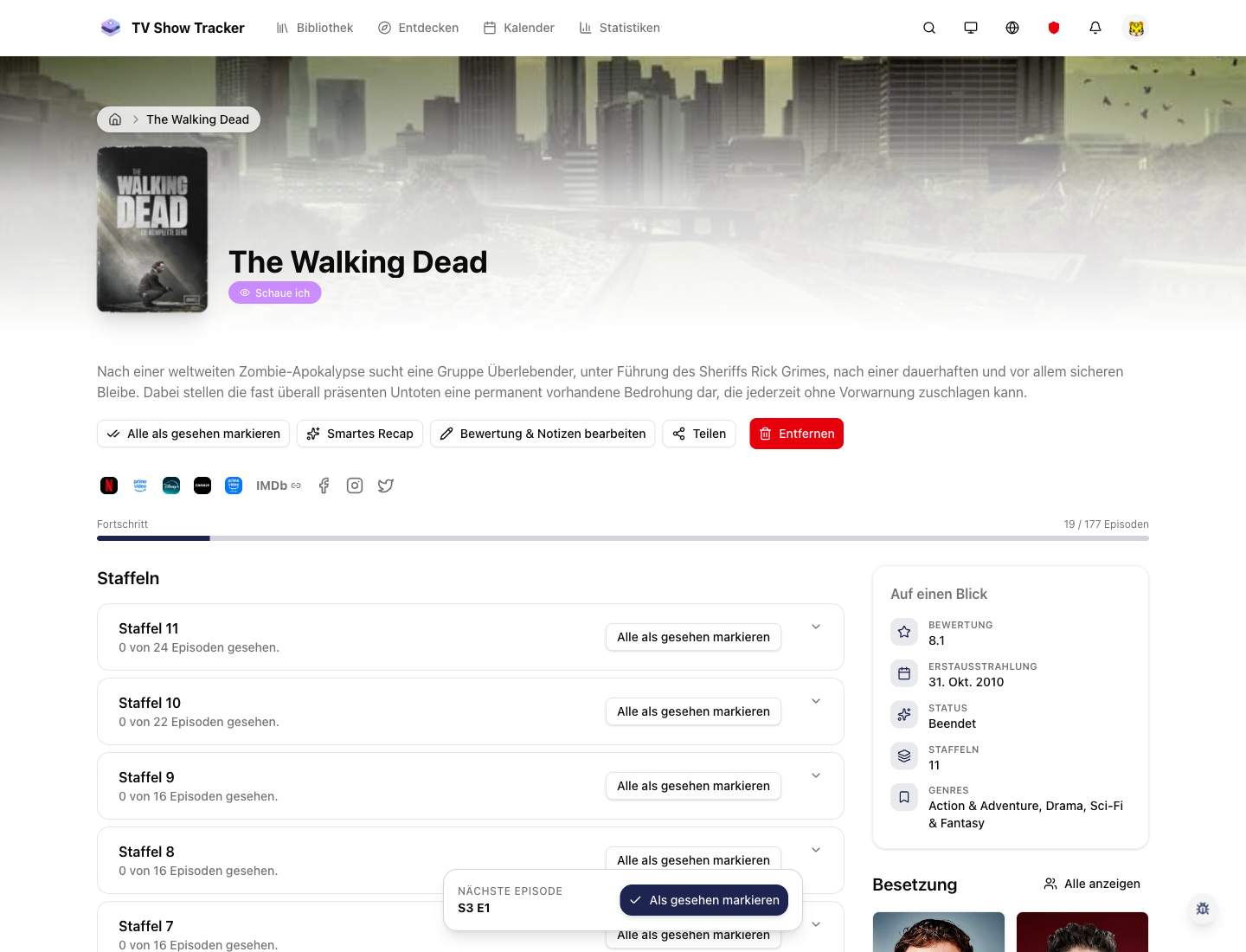
Detected activity feeds back into the main watch workflow
The benefit is not detection alone; it is that the result lands where the rest of your tracking already happens.
Where to find it
Open the exact app areas where this feature becomes part of your daily routine.
Questions people usually ask
Short answers to the things that matter most before you adopt a new workflow.
Everything for watchlists, episodes, and recommendations
Practical tools so you do not have to manage shows in notes, spreadsheets, or half-maintained watchlists.
Turn browser activity into tracked progress
If your watching workflow often touches supported browsers, the extension shortens the gap between viewing and accurate history.